

Use Astro in the Asteroid platform. Go there first to build and run agents, then open Astro from the Create, Builder, or Execution pages.
Build
Create new agents using natural language, or from documents like PDFs
Optimize
Get suggestions for making your agents more reliable and robust
Understand
Learn what your agent does and how it operates on the web
Debug
Examine execution results and understand what happened
Accessing Astro
Astro is available in different places depending on what you want to do.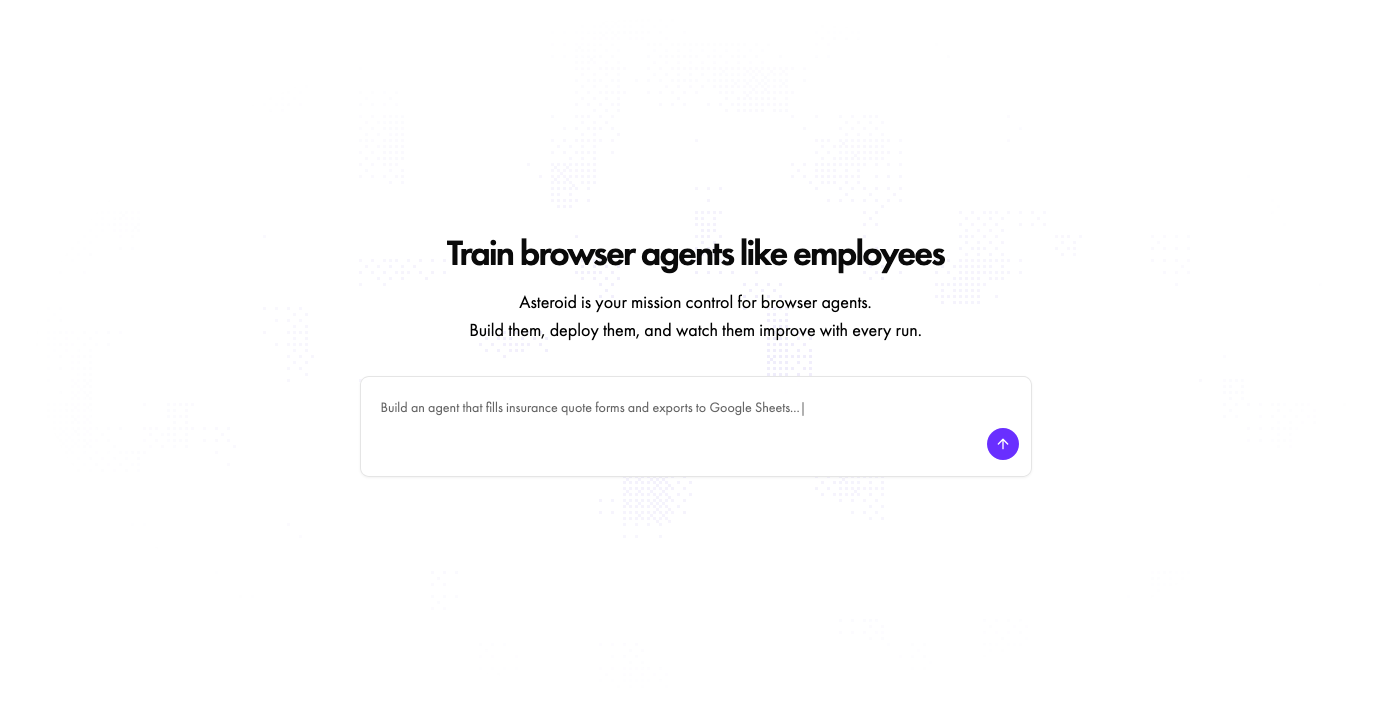
Creating a new agent
Start typing in the chatbox on the Create page
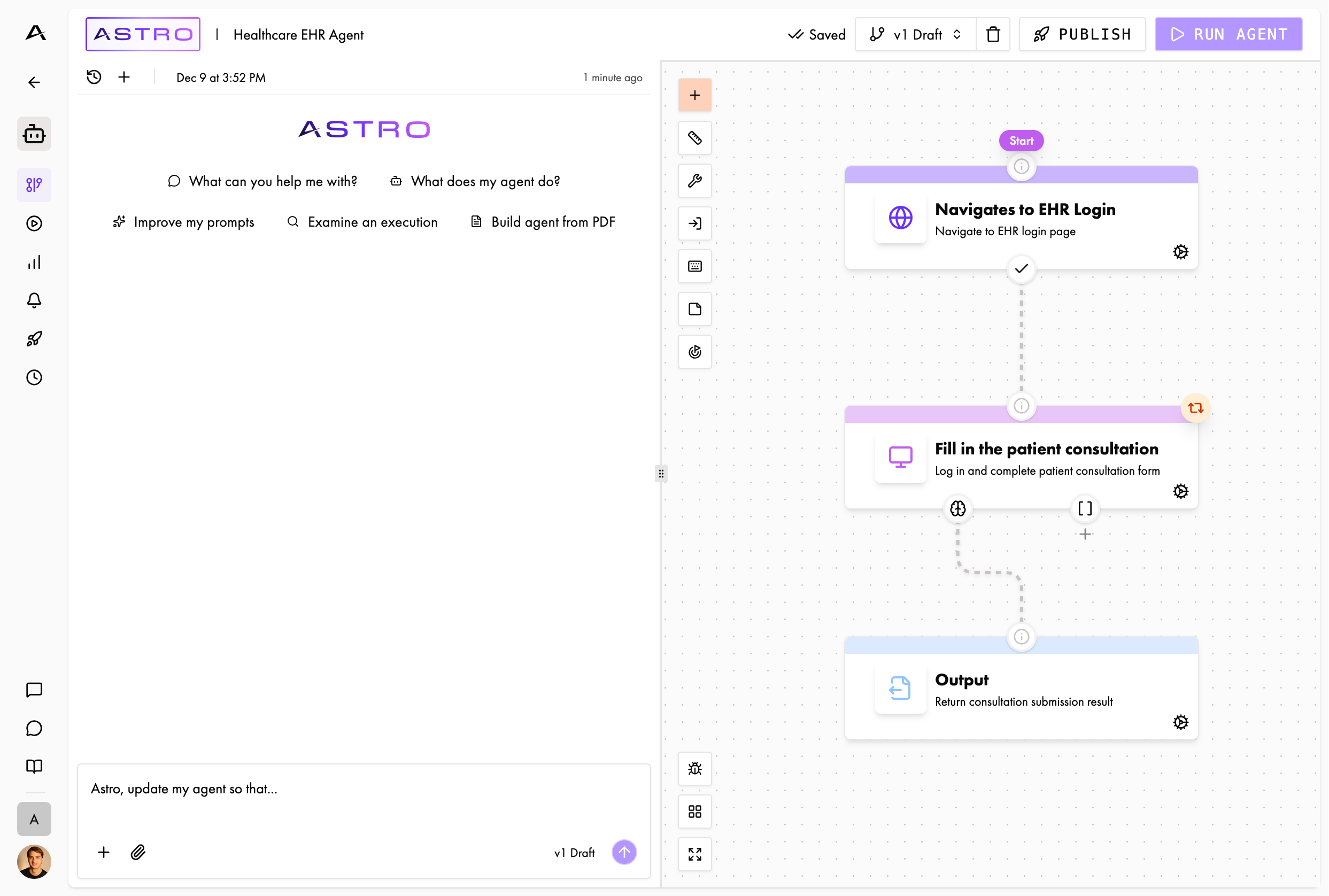
Working with an existing agent
Click the Astro button in the top left of the Builder or Execution pages
- “What can you help me with?” - Learn about Astro’s capabilities
- “What does my workflow do?” - Get an explanation of what your workflow is designed to do
- “Improve my prompts” - Get suggestions for better prompts
- “Optimize this workflow with scripts” - Convert nodes to Playwright scripts so they run on the fast path
- “Examine an execution” - Analyze a specific execution (use @ to mention executions)
- “Build workflow from PDF” - Get Astro to design the workflow according to documented specs